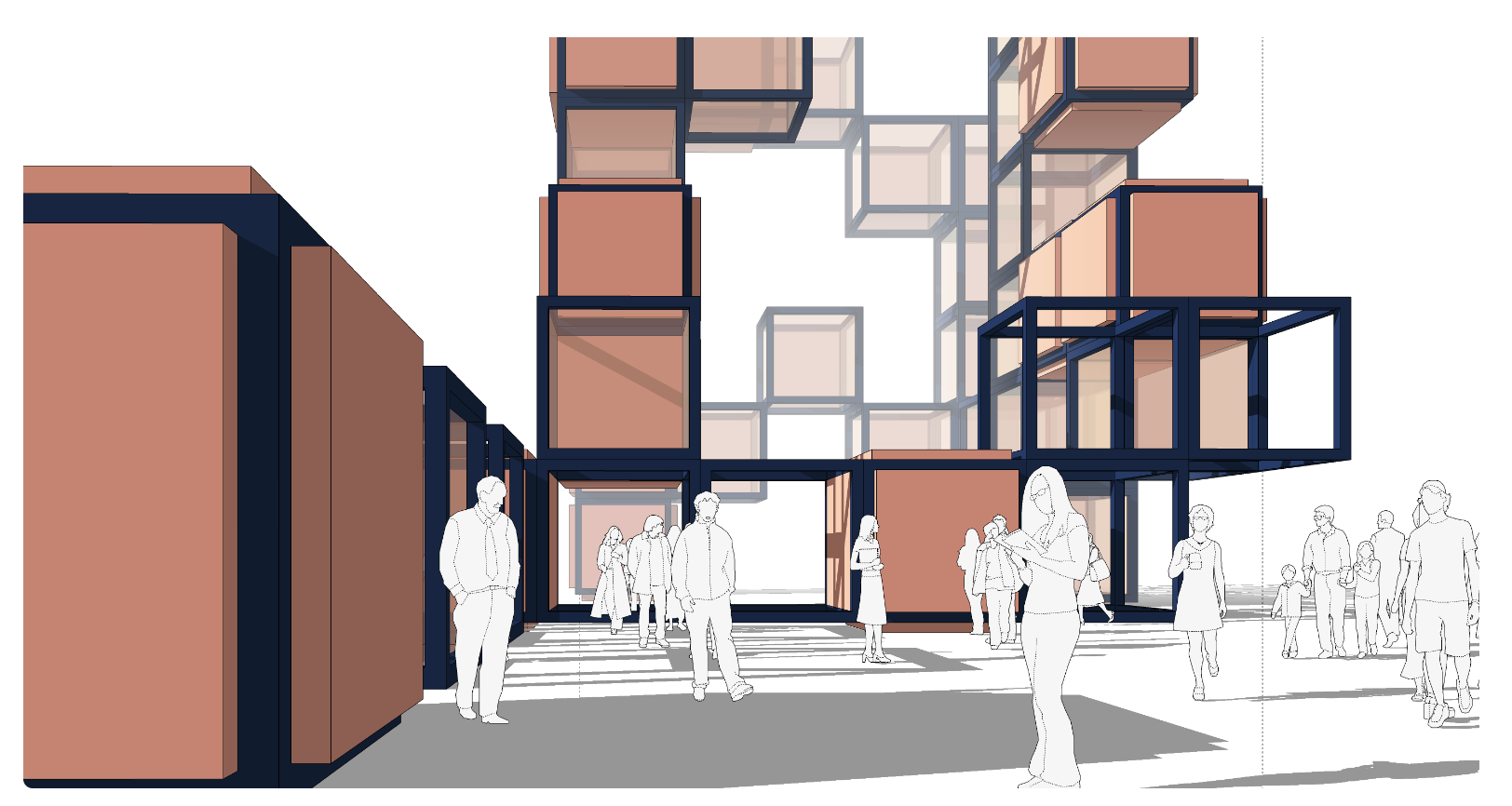
Visuin Online/3D Model / SketchUp / [ENG] Effective Modeling systems and Presentation

  • €200

3D Model / SketchUp / [ENG] Effective Modeling systems and Presentation

  • Course
  • 61 Lessons
  • 90-day access

Unique SketchUp training for architects. How to use all fundamental elements and create your design systematically with semi autopilot! And present with ease. Creative and fun but technical and essential.

One of the most fundamental software for architects or designers.

His beauty is in the easiness. And his effectivity is hidden in the system of usage. 
To know how to work with Variants, Outliner, Layers, Scenes, Groups and Components, Styles and materials, Perspective and other viewing styles. The terrain and much more!
Everything included in this course! 
You can benefit from this course even years after the school!

120 minutes overal

Contents

All content what you find in this course:
1. Set up the SketchUp
2. Modeling from Scratch
3. Modeling according to sketch 
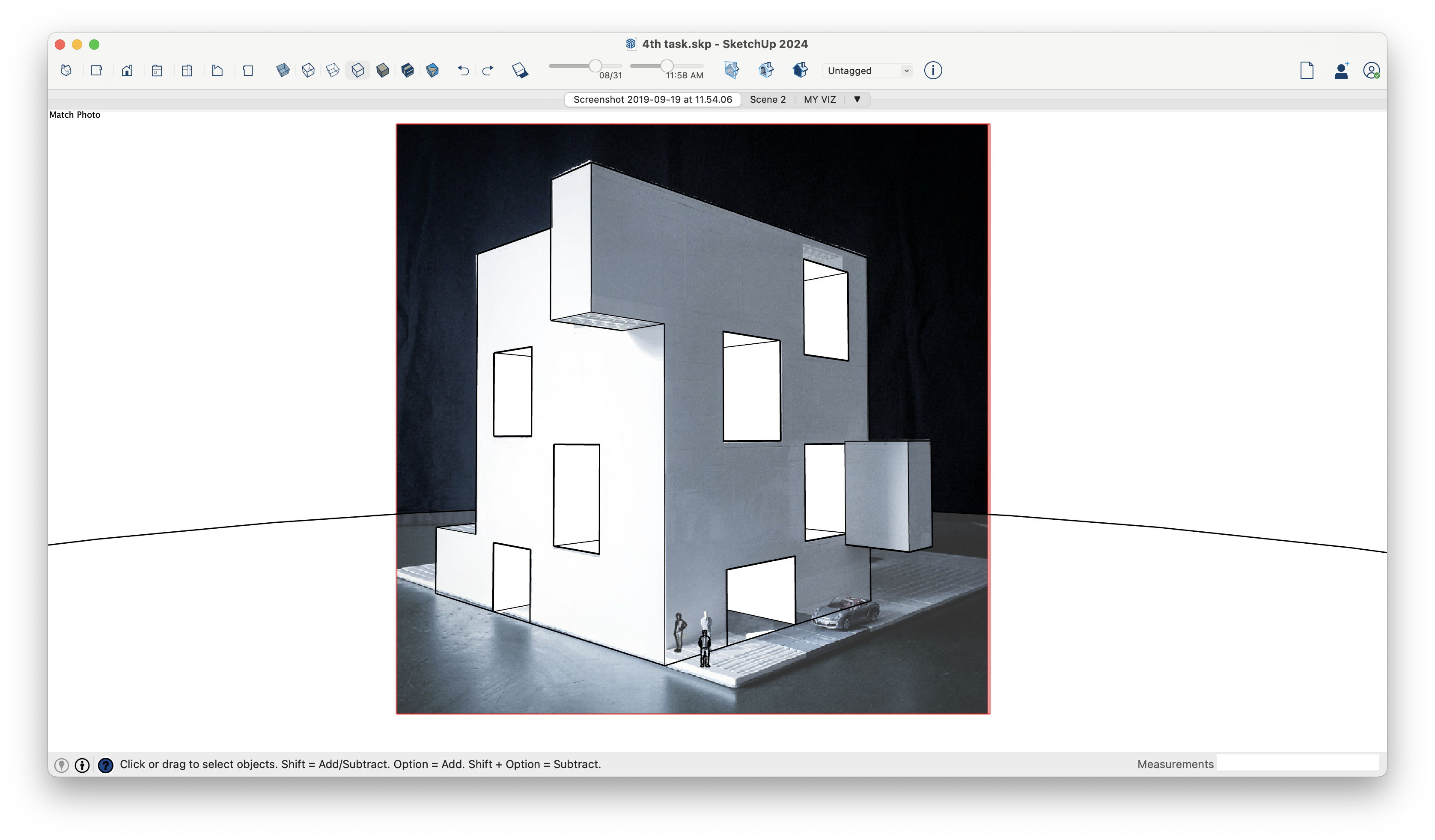
4. Modeling according to Photo perspective
5. Ways of presentation of your model.

MATERIALS / CheatSheets

Here you can find several fundamental cards to work with like shortcuts and the list of all tools.
Layout Reference Card (MAC).pdf
Layout Reference Card (WIN)
SketchUp Reference Card for Mac
SketchUp Reference Card for Win
SKP8 mac.pdf
SKP8 win.pdf

Introduction to SketchUp for Architects

  • What is SketchUp for and what is not

  • Where to use SketchUp in architecture? 

01-01 What is SU .m4v
01-07 Where to use SU during project .m4v

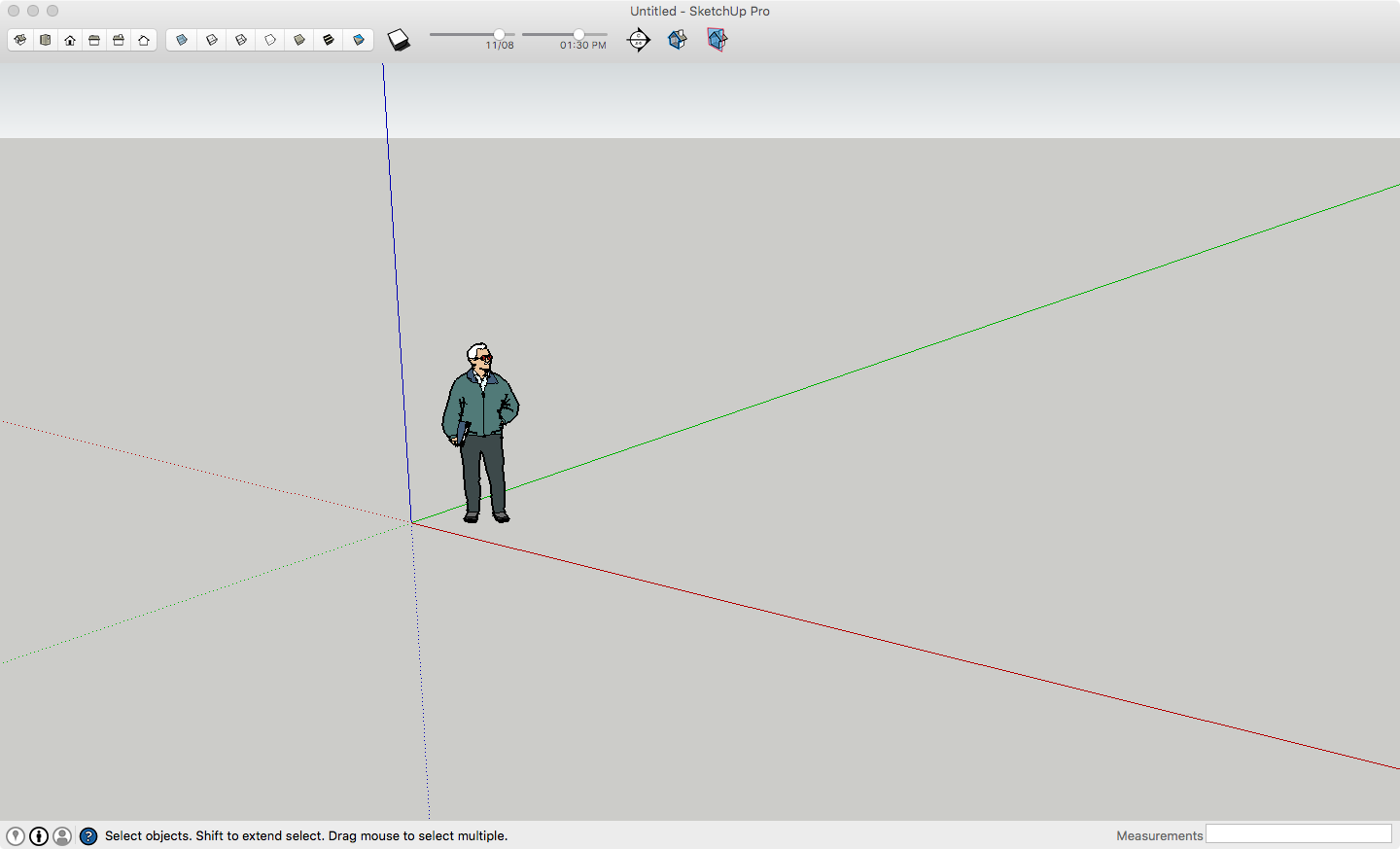
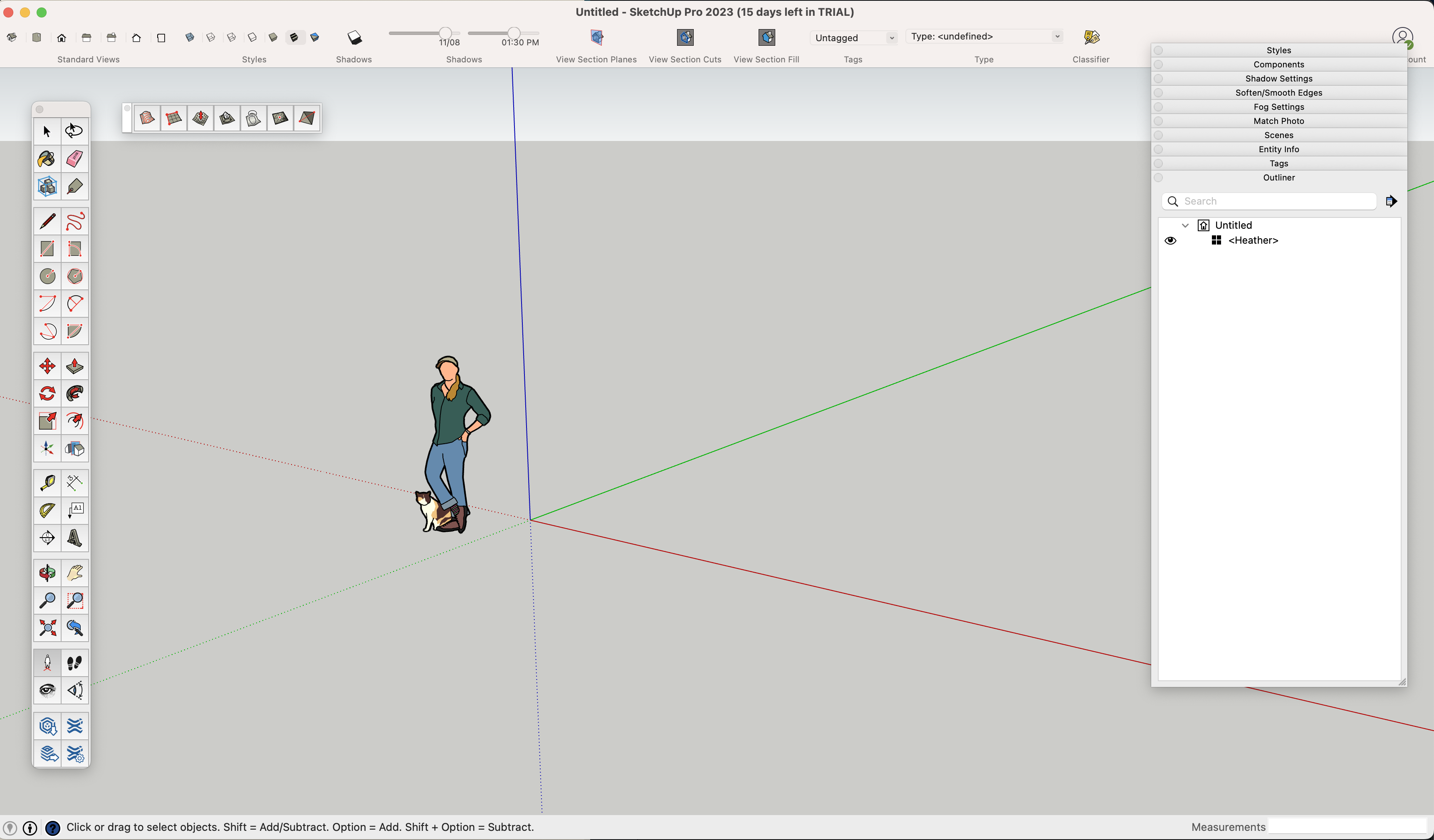
Effective SetUp of the SketchUp

  • Global settings

  • Local Settings

  • Effective interface

  • Extension Warehouse (most effective plugins)

  • 3D warehouse

Screenshot 2020-09-22 at 17.01.56.png
01-02 Which SU version to use .m4v
01-03 Set up SU globaly.m4v
01-04 Set up SU localy .m4v
01-05 Set up SU interface .m4v
01-06 Explaining tools .m4v
01-06 Save SU interface .m4v

Basics of the modeling

  • Abstract modeling from scratch!

  • Learn basics and create something fun and nice!
02-01 Modeling From Scratch plus many important hints .m4v
02-02 From scratch - Starting Cube .m4v
02-03 Statue .m4v
02-04 Two sides of 1 polygon .m4v
02-05 Nothing modeled? .m4v
02-06 How to edit a group? .m4v
02-07 Quick Output - Style set up .m4v
02-08 One two or three point perspective .m4v
02-09 Sace the scene .m4v
02-10 Export scene as PNG 1.m4v
02-11 Statue - What next questionmark .m4v
02-12 Statue2 - Recration build element - Component .m4v
02-13 Statue 2 - recreation .m4v
02-14 Statue 2 - playing with component .m4v
02-15 Component editing .m4v
02-16 Export scene 2
02-17 Next State of the Statue 3 .m4v
02-18 Statue 3 - Apply new stuff
02-19 Statue 3 tuning - Colour Harmony
02-20 Take inspirative colors from Adobe.m4v
02-21 Translucent color
02-24 Presentation - Shadows and Fog.m4v
02-22 Presentation - SetUp View - FOV
Silhouettes.skp
02-23 Presentation - Silhouettes into scene
Optional Excercise

Modeling according sketch

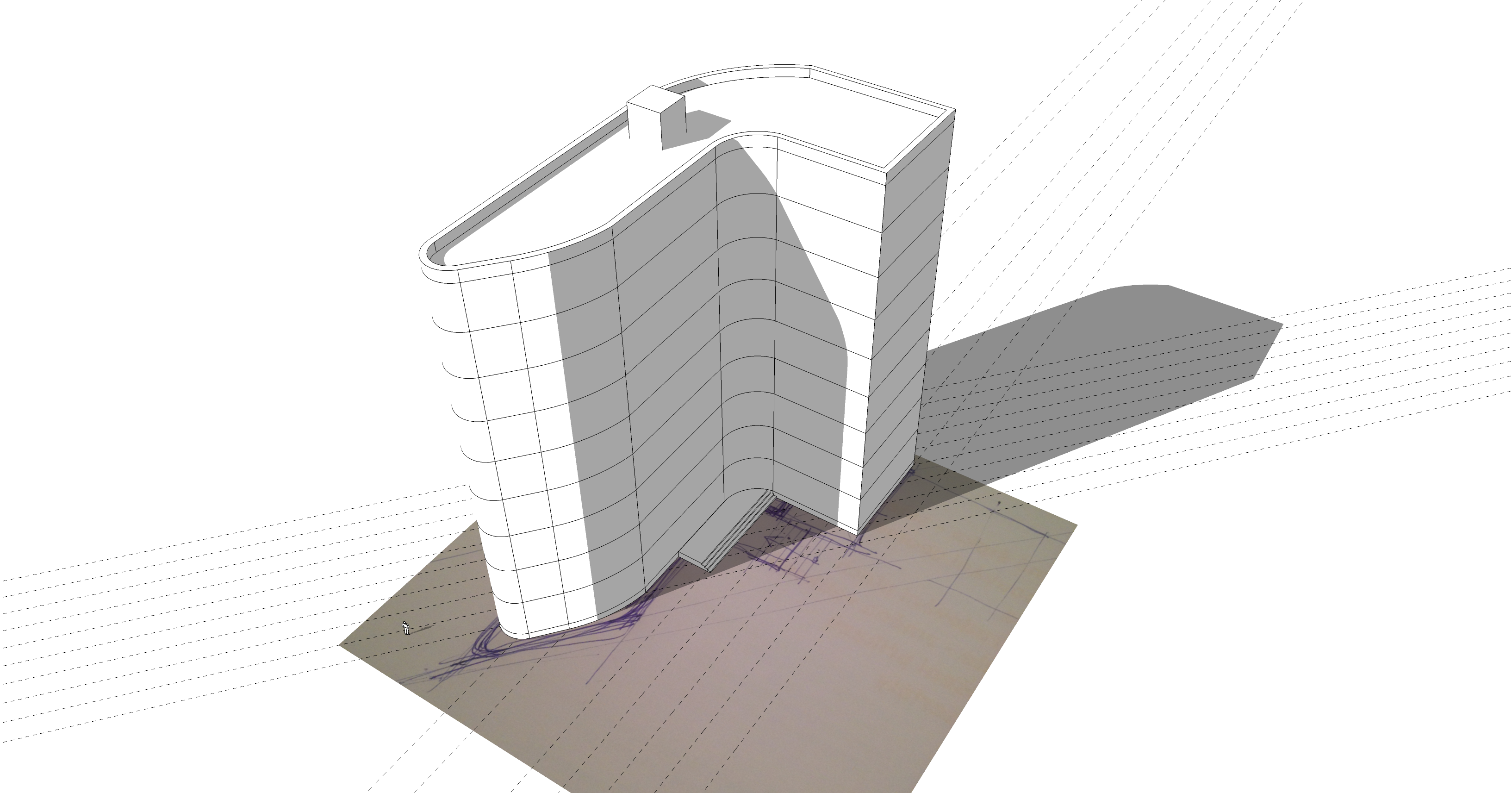
  • This modelling is based on any kind of sketch of your floorplan or elevation or section. 
    You will learn how to get proper proportions from sketch into the model and how to model the whole skyscraper effectively thanks to groups and components.
Draft sketch floorplan
03-01 From sketch.m4v
03-02 Place the sketch.m4v
03-03 Scale the sketch.m4v
03-04 The guides system.m4v
03-05 Outline of the floorplan.m4v
03-06 Curvature of the floorplan.m4v
03-07 Group shortcut.m4v
03-08 Volume from floorplan.m4v
03-09 Details - Rooftop.m4v
03-10 Entrance stairs.m4v
Optional Excercise1: Materials
Optional excercise 2: Add structured facade
Modeling parametric facade.mp4

Modeling according photo

  • Even from perspective photo you can create your models. No measurement needed.

  • Also learn how o make variants of a facede.

Visuin-LEGO HOUSE-Match Photo.jpg
Avoid this mistake in match photo
04-01 Modeling from photo.m4v

Ways of presentation of your work

  • Isometry
  • Perspective
  • Sectioncuts
  • Elevations
  • Animations
05-01 Set up - Perspective.m4v
05-02 Set Up - Axonometry.m4v
05-03 Set up - Elevation view.m4v